
Know where your day stands.
Calories and macros in one clear view.
Nutrition tracking, made personal
Make sense of your day, one meal at a time. Track your macros, keep the foods you love, and see your progress in a way that works for you.
For Android · Coming soon to Google Play
Calories and macros in one clear view.
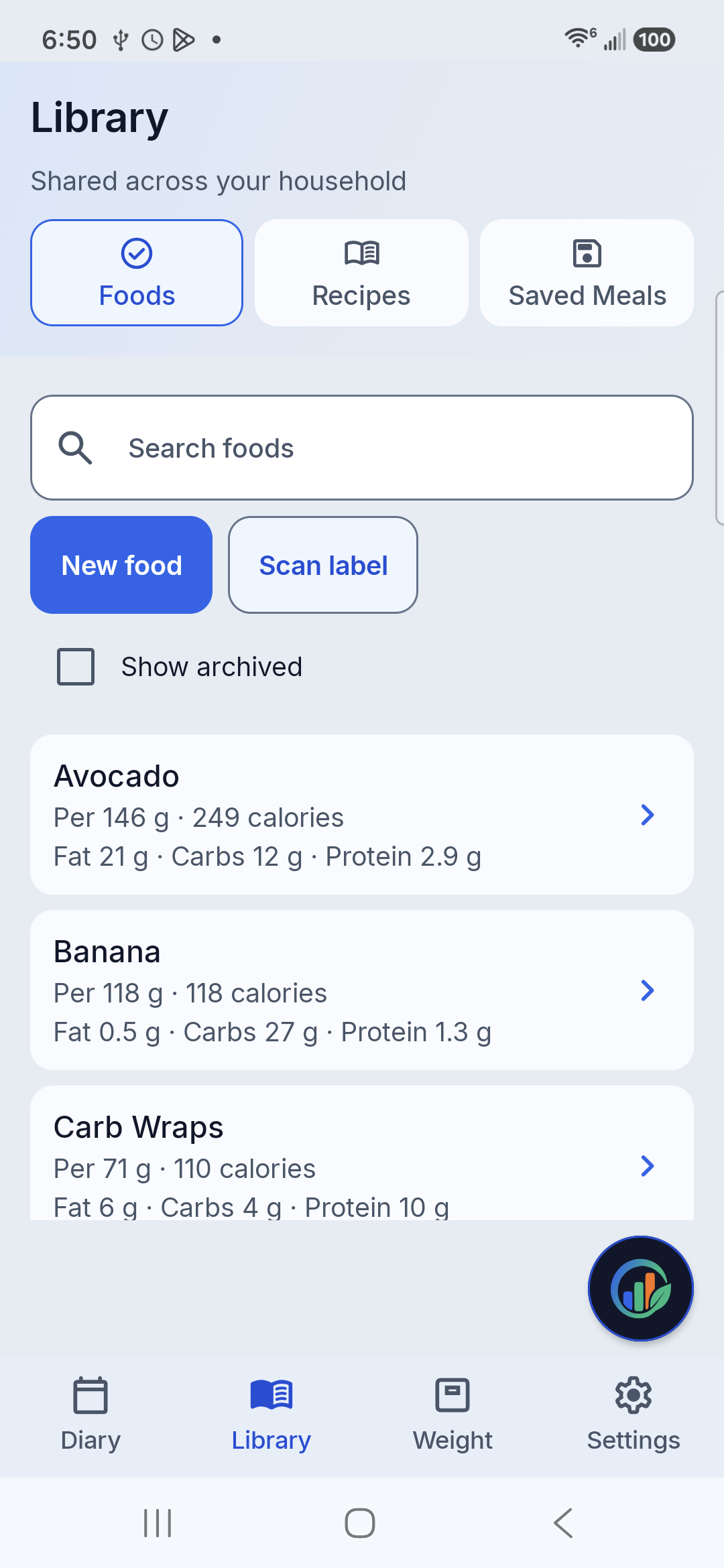
Your foods, recipes, and saved meals.
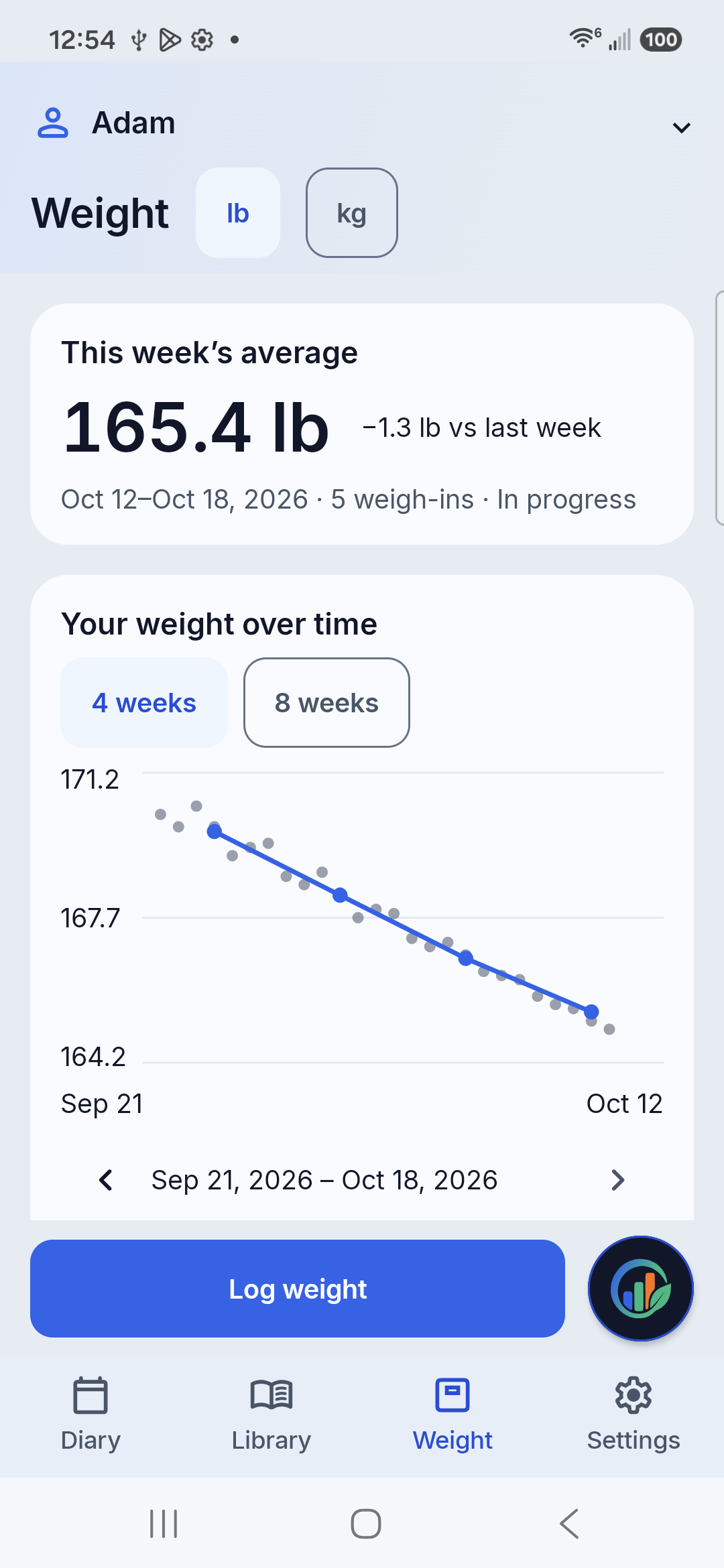
Weight history and weekly trends.
A little less effort. A little more clarity.
From your usual breakfast to a new recipe, keep the details together so you can get on with your day.
Log food in your diary and see calories, fat, carbs, and protein against your own goals. Move between dates to look back at your routine.
Save foods, build recipes, and keep meals you eat often. Scan a nutrition label, review the details, and save the food for next time.
Keep separate profiles and macro targets while sharing a food library. Each person’s diary and progress stay easy to find.
Progress has a pattern
Log your weight and see how it changes over time. Weekly averages help you take a longer view of your progress.
Your routine. Your records.
Your food library, diary, goals, and weight records are stored on your device. Core tracking works offline, and you choose when to back up or share your records.
Google services handle ads, purchases, downloads, and some device diagnostics. Our privacy policy explains what that means.
Read the privacy policyKeep it simple
Use the free app with ads, or make one purchase to remove the banners. The same everyday tracking tools are yours either way.
With banner ads
Food library, diary, macro goals, and weight tracking.
One-time purchase
Remove banners for every profile. No recurring charges.
Purchase inside the Android app through Google Play. Local prices and taxes may vary; the price shown at checkout applies.
Yes. Your saved foods, diary, goals, and weight records are available on your phone. Downloads, Google Play purchases, purchase restoration, and ads need an internet connection.
No. The Google Play edition is free with ads. An optional one-time purchase removes the banners for every profile in the app.
Yes. Use the same Google Play account that made the purchase, then open the ad-free section in Settings and choose Restore purchases. Restoring a purchase does not restore your food or diary data; those need a separate backup.
No Just Macros account is needed. Profiles and tracking records are stored on your device. Google Play uses your Google account for downloads and purchases.
Just Macros is currently in testing. The public Google Play link will be added here when it launches.
A new daily habit
We’re getting the Android app ready for Google Play. Check back here for the public download when it launches.